How to convert a whole folder of .pub files to PDF
Archive years of Publisher files in one go: PUB Viewer Pro converts every .pub file in a folder, subfolders included, to PDF on your PC.
Free, in your browser – nothing is uploaded
Schools, parishes, clubs and small businesses often have hundreds of .pub files: newsletters, posters, programmes, certificates. Opening them one by one takes hours; converting the whole folder takes minutes.
How to do it
- Install PUB Viewer from the Microsoft Store and get Pro (one-time purchase, no subscription).
- Click Convert folder and choose the folder with the .pub files. Leave Include subfolders ticked to convert everything inside it.
- Choose where to save the PDFs (by default a new folder in Documents) and click Convert. A table shows the result for every file.
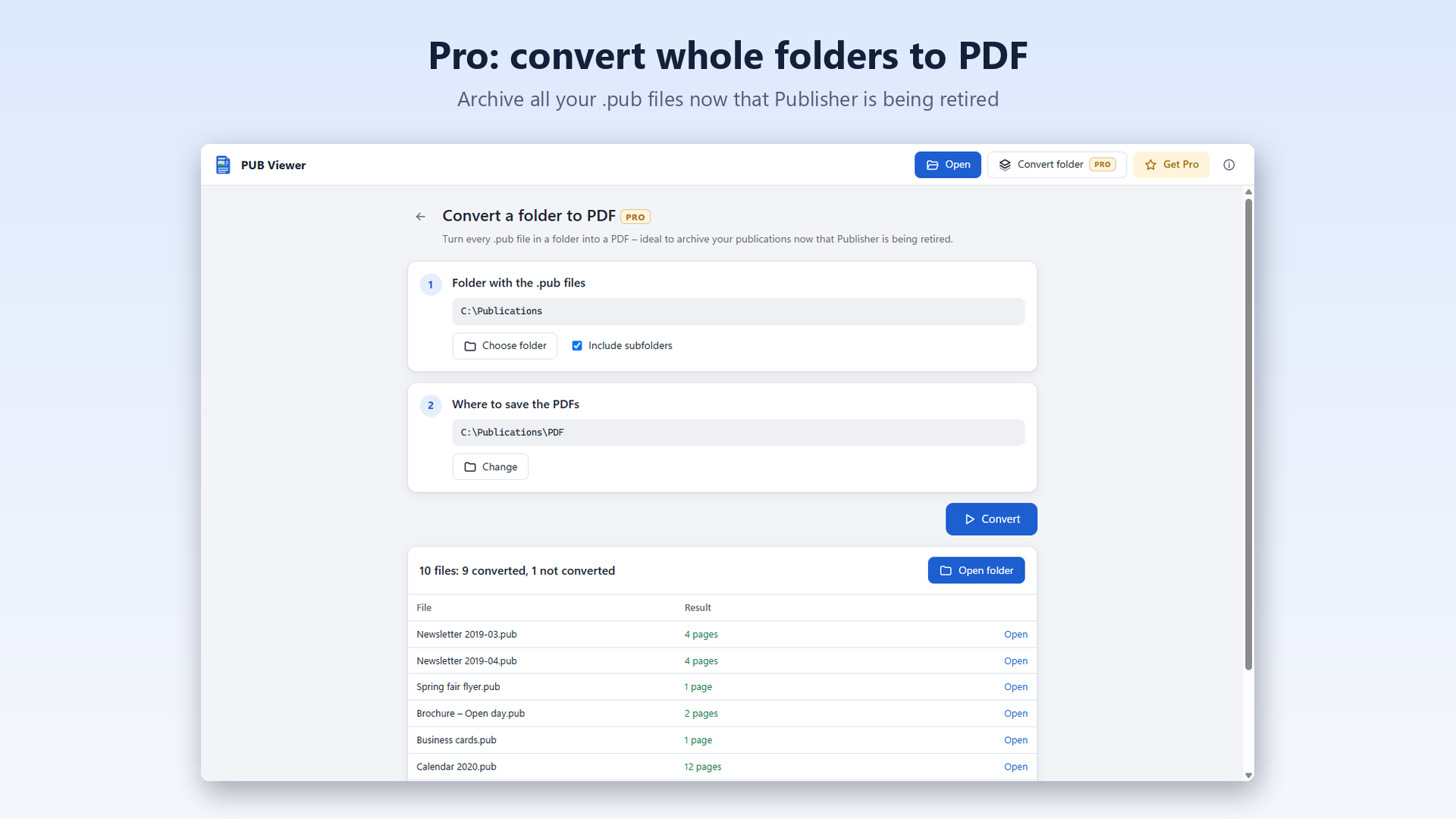
- Every PDF has the exact page size of its publication, with selectable text.
- Files that aren't publications (for example SSH keys with the same extension) and damaged files are listed as not converted, so you know which ones to check.
- You can also drop several .pub files on the window: the app offers to convert their folder.

PUB ViewerOpen .pub files online for free. The Windows app is coming soon.
The conversion runs on your PC and nothing is uploaded, so it's fine for documents with personal data.
More guides
- How to open a .pub file without Microsoft PublisherEvery way to view a Publisher file now that Publisher has been retired.
- How to convert a Publisher (.pub) file to PDFTurn a publication into a PDF anyone can open, at its real page size.
- Microsoft Publisher has been retired: what to do with your .pub filesView, archive and keep using your publications after the retirement.
- .pub file: Publisher document or SSH key?Two very different files share the same extension: how to tell them apart.
- Opening Publisher files in LibreOffice: what works and what doesn'tWhat LibreOffice gets right with .pub files, and its known problems.