Open Publisher (.pub) files online
View, print or save as PDF any Microsoft Publisher file – newsletters, flyers, brochures, cards – right in your browser. Free, no sign-up, and your file never leaves your device.
…or drag and drop it here
🔒 Opened in your browser: nothing is uploaded
- Free
- No sign-up
- PC, Mac, iPhone and Android
- Publisher 98 to 2021 and Microsoft 365
How it works
- Choose your .pub file or drag it onto this page.
- The pages appear in a few seconds, as they were designed in Publisher.
- Print them, or choose Save as PDF as the printer to keep a PDF copy.
Why PUB Viewer
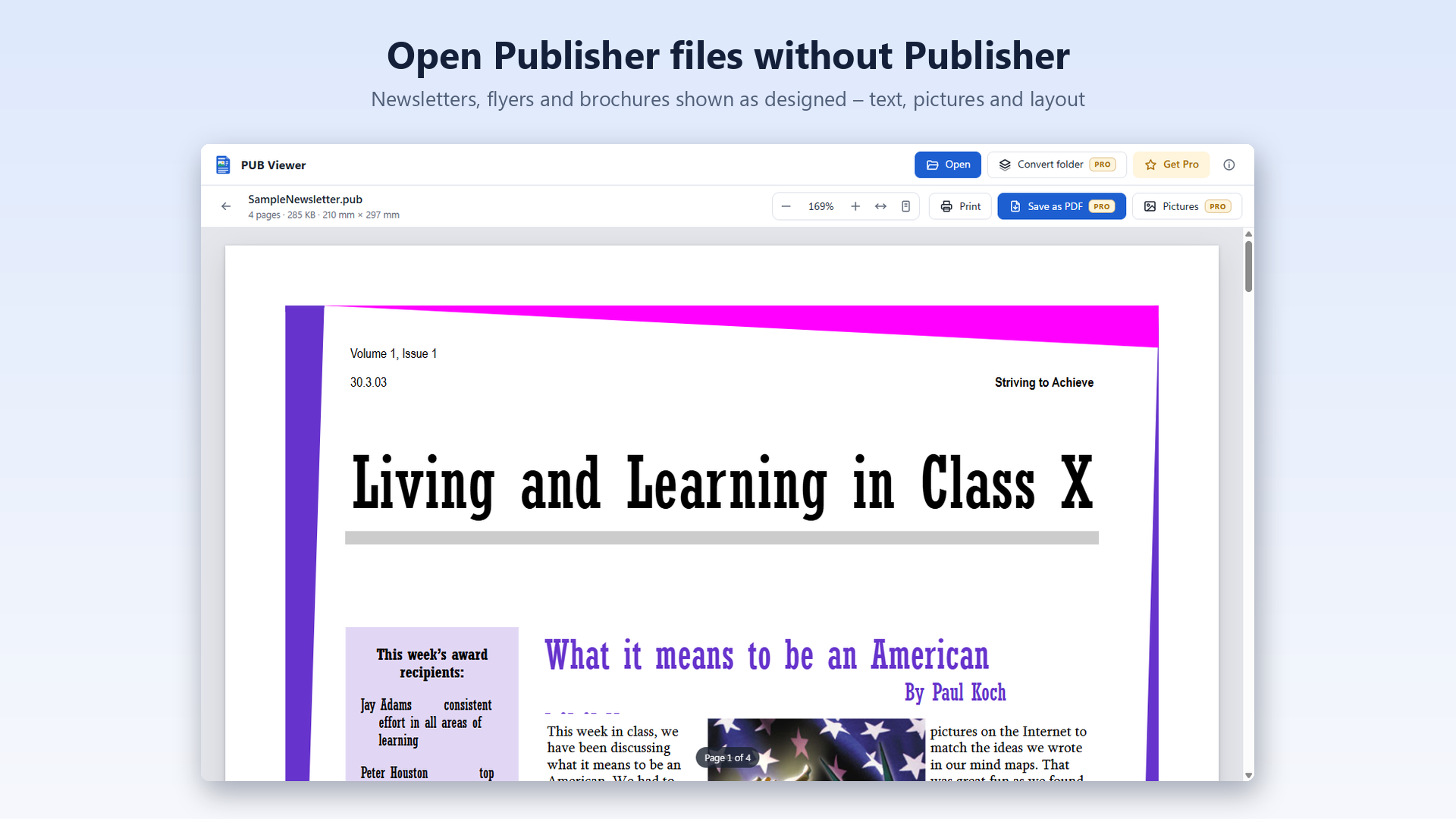
- Faithful pages: text, pictures, shapes and tables in place, articles that continue in linked text boxes, text that wraps around pictures, WMF and EMF clip art.
- Private by design: the file is read by your browser on your device. It is not uploaded to any server, so it is fine for confidential documents too.
- Everywhere: Windows, Mac, Chromebook, iPhone, iPad and Android, in Chrome, Edge, Safari or Firefox. You can also install it as an app.
Many files to convert? Get the Windows app
PUB Viewer for Windows opens .pub files with a double click and, with Pro, saves them as PDF in one click or converts whole folders at once.
Guides
- How to open a .pub file without Microsoft PublisherEvery way to view a Publisher file now that Publisher has been retired.
- How to convert a Publisher (.pub) file to PDFTurn a publication into a PDF anyone can open, at its real page size.
- Microsoft Publisher has been retired: what to do with your .pub filesView, archive and keep using your publications after the retirement.
- Convert a whole folder of .pub files to PDFArchive years of publications in one go, subfolders included.
- .pub file: Publisher document or SSH key?Two very different files share the same extension: how to tell them apart.
- Opening Publisher files in LibreOffice: what works and what doesn'tWhat LibreOffice gets right with .pub files, and its known problems.
Frequently asked questions
Is PUB Viewer free?
Yes. Opening, viewing and printing .pub files is free, with no sign-up and no ads.
Is my file uploaded to a server?
No. The file is opened by your browser on your device, with the same engine as the Windows app, compiled for the web. Nothing is sent to us or to anyone else.
How do I convert a .pub file to PDF?
Open the file, click Print and choose Save as PDF (or Microsoft Print to PDF) as the printer. On iPhone and iPad, open the print options and use Share › Save to Files.
Does it work on Mac, iPhone and Android?
Yes. It works in any recent browser – Safari, Chrome, Edge and Firefox – on computers, phones and tablets.
Which Publisher versions are supported?
Files from Publisher 98 to 2021 and Microsoft 365. Very old files from Publisher 2.0 and 97 are not supported.
Why does the text look slightly different?
If a font used in the publication is not installed on your device, a similar font is used, so line breaks can change a little. On a PC with the original fonts, pages look exactly as designed.